◆ ShawnsVTTs Phone
A working phone for every character
Give every character in your Foundry world a phone, and give yourself the controls to jam it, drain it or break it.
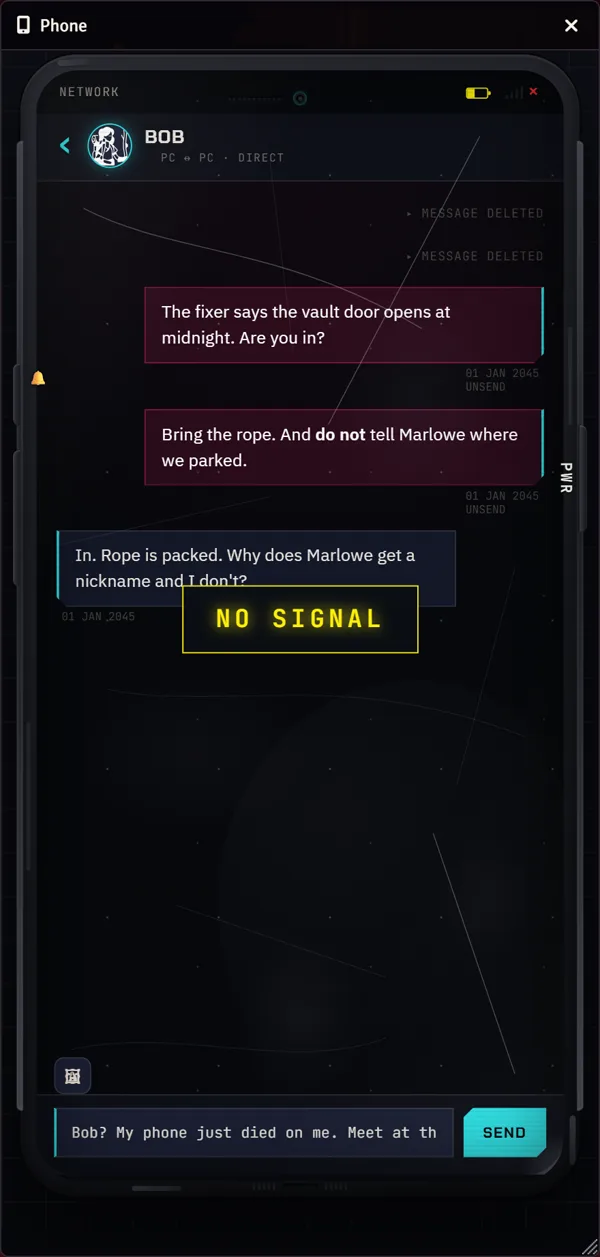
ShawnsVTTs Phone adds an in-world smartphone to your Foundry VTT game. Players text each other and your NPCs, call, send photos, keep notes and pay one another, all from their own character’s phone. You decide who has one, what era it is from, when the signal drops and when the battery dies. It works with any game system, and it suits modern games, Cyberpunk-themed games, sci-fi, horror, mystery and heists. Only the GM installs it. Players install nothing.
Every screen, in a real Foundry world
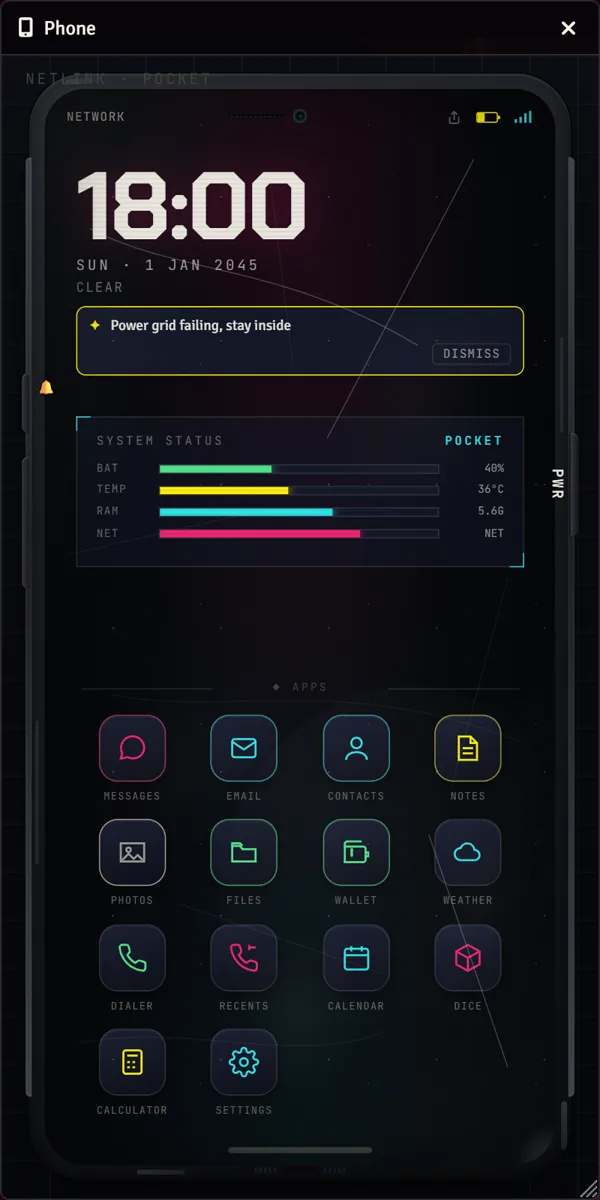
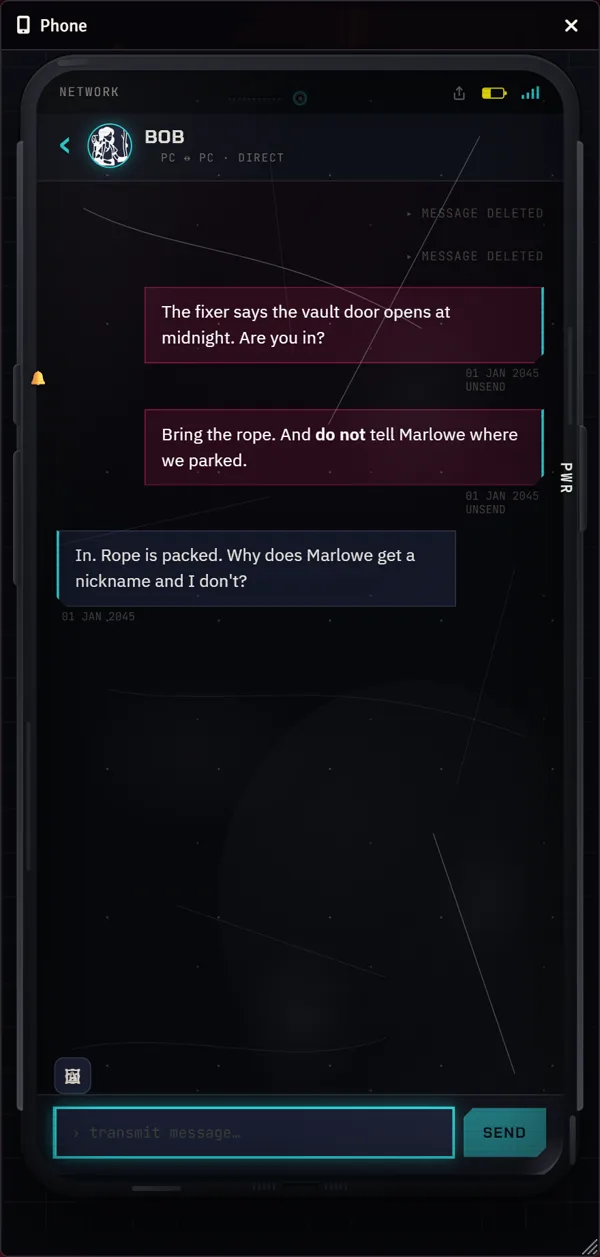
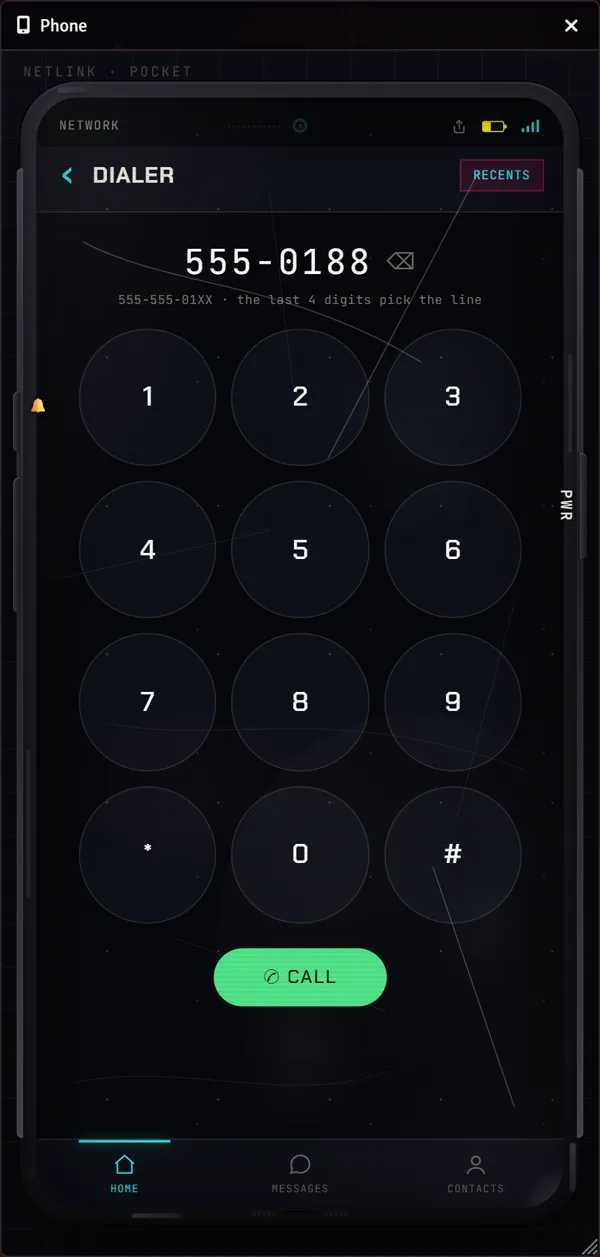
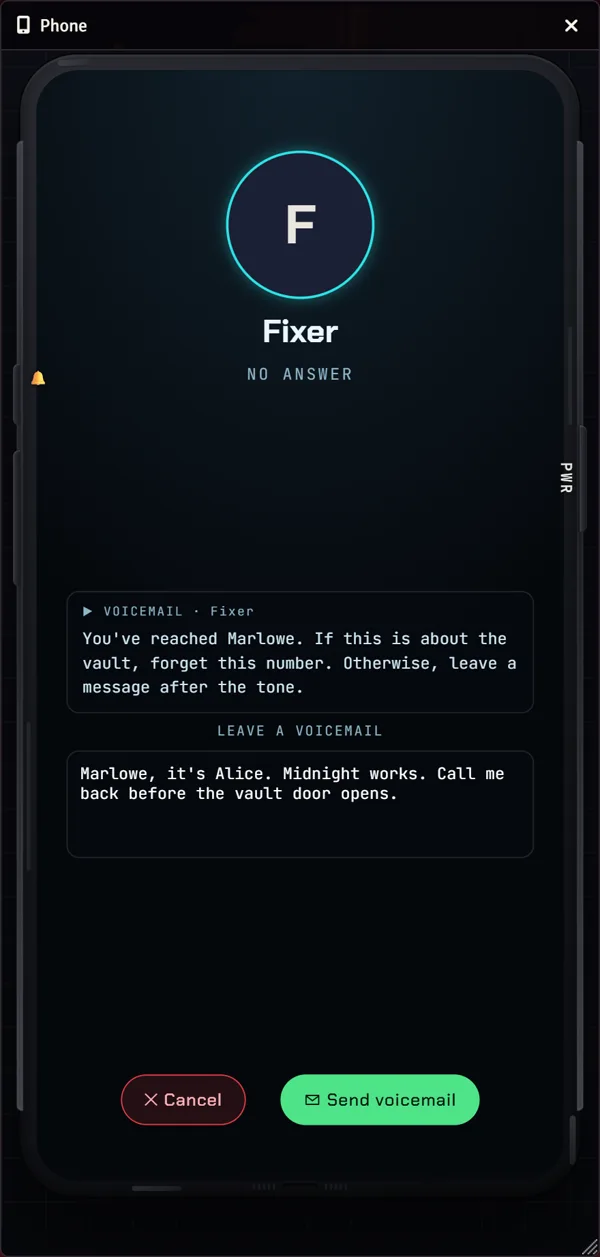
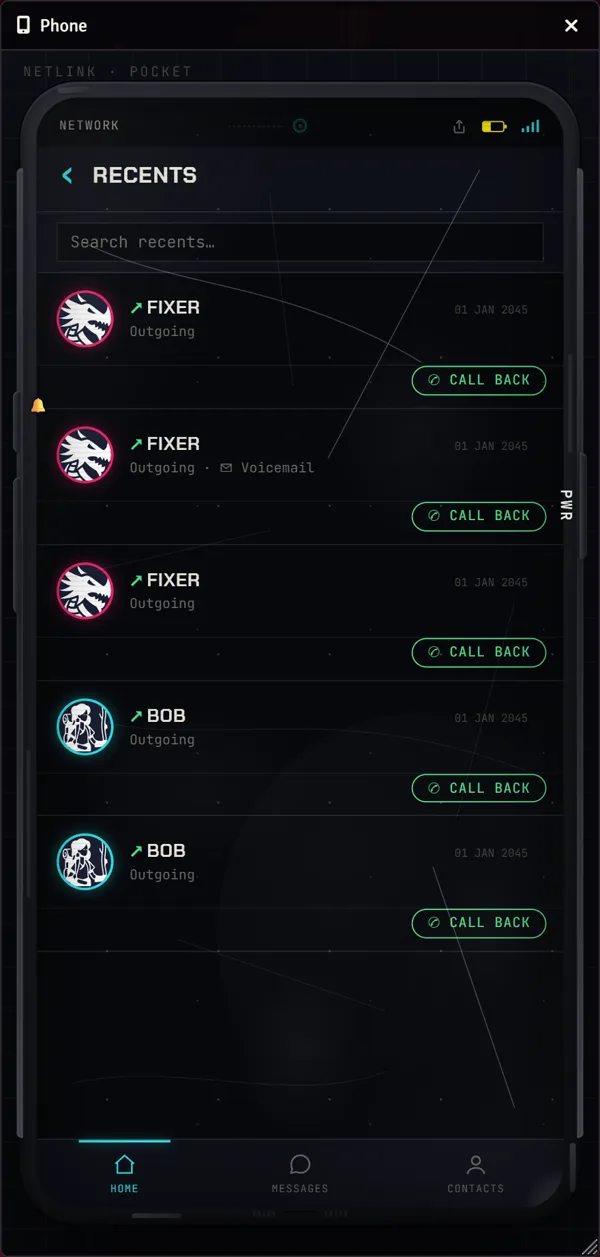
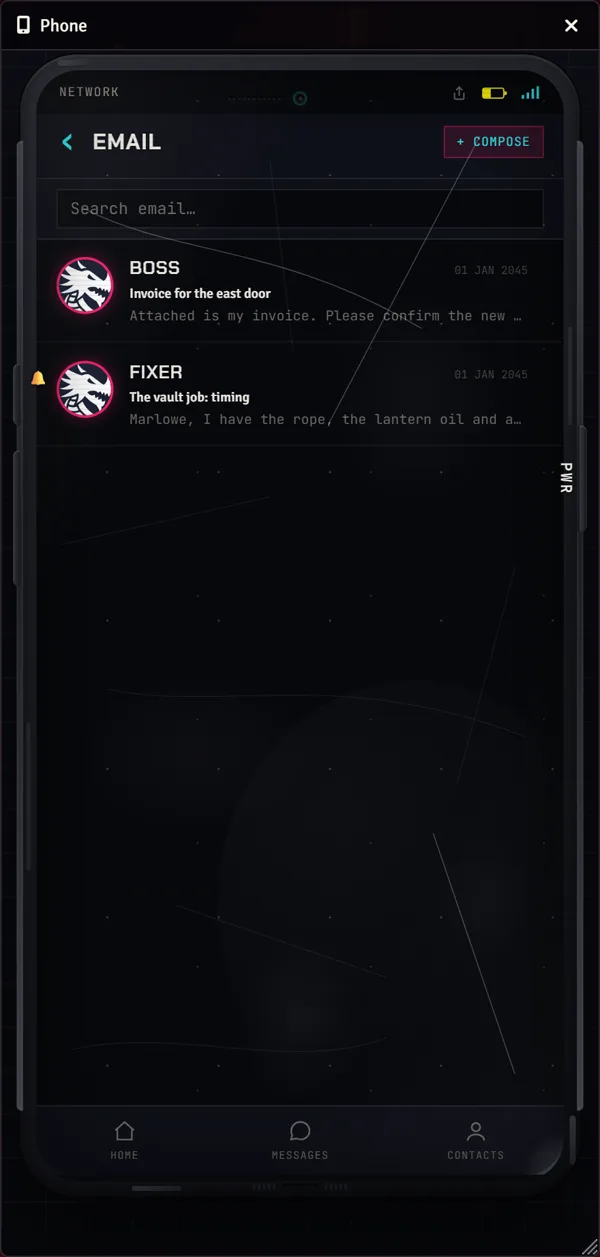
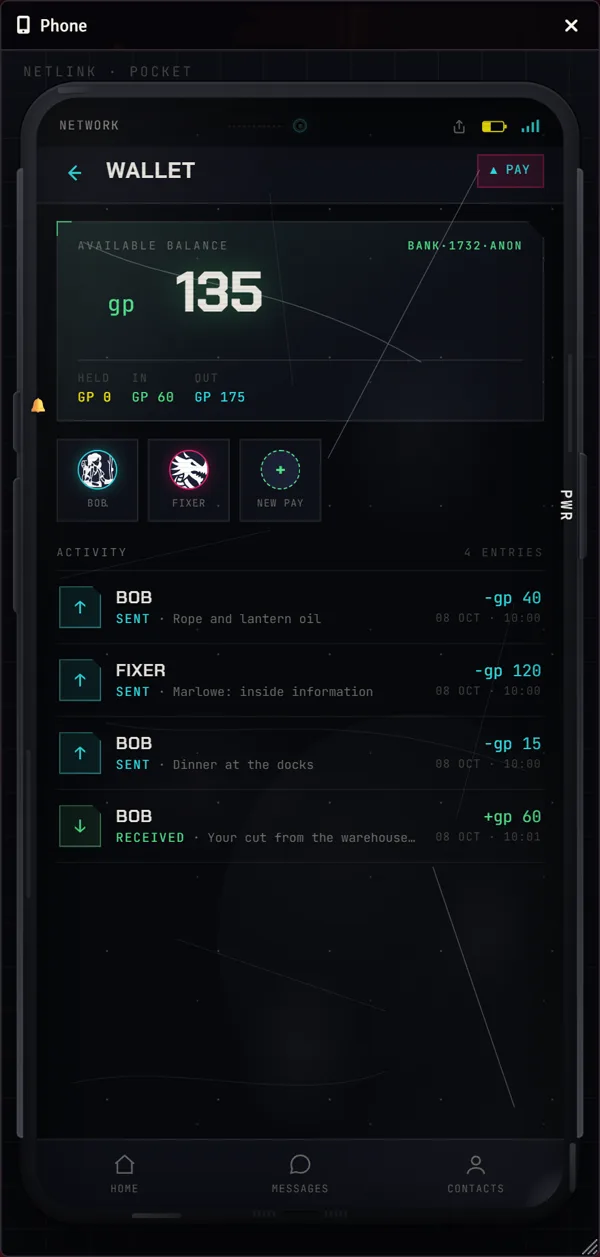
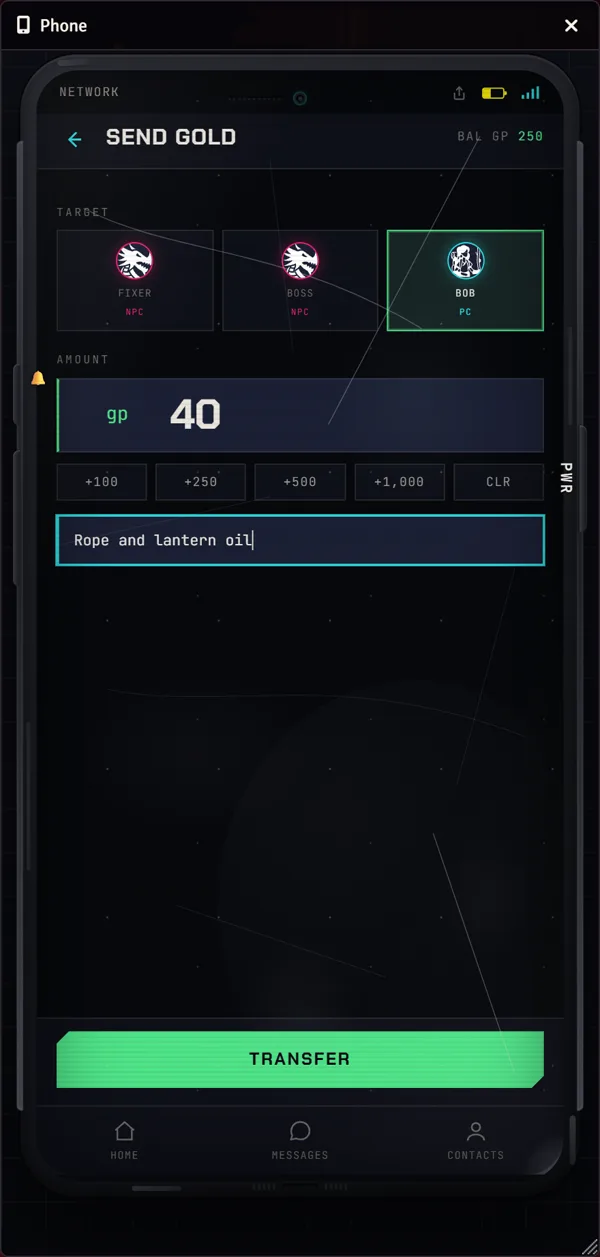
- Foundry
- 13 and 14
- Game systems
- Any
- Needs
- The free ShawnsVTTs Library
- Included with
- Every paid tier
Messages, calls and contacts
- Text between characters and NPCs, with named group chats and a party feed that reaches the whole table.
- Email threads with subjects.
- Take back a message you sent.
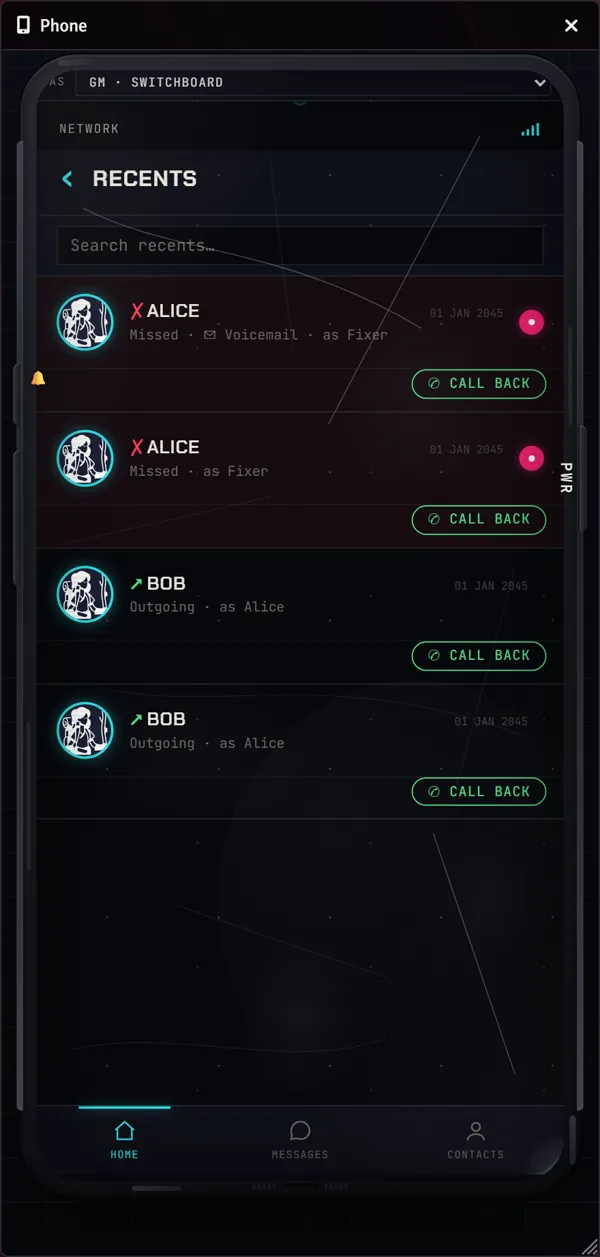
- A player who calls an NPC rings the GM. If no GM is online, the call goes to voicemail.
- Voicemail is text: a typed greeting and a typed message. There is no voice chat and nothing is recorded.
- Introduce NPCs to a character one at a time, give any line a phone number of your choice, and give NPCs a voicemail greeting.
- Optionally copy texts, group chats and party messages into the Foundry chat log, whispered to the GM or public.
Signal, battery and device rules
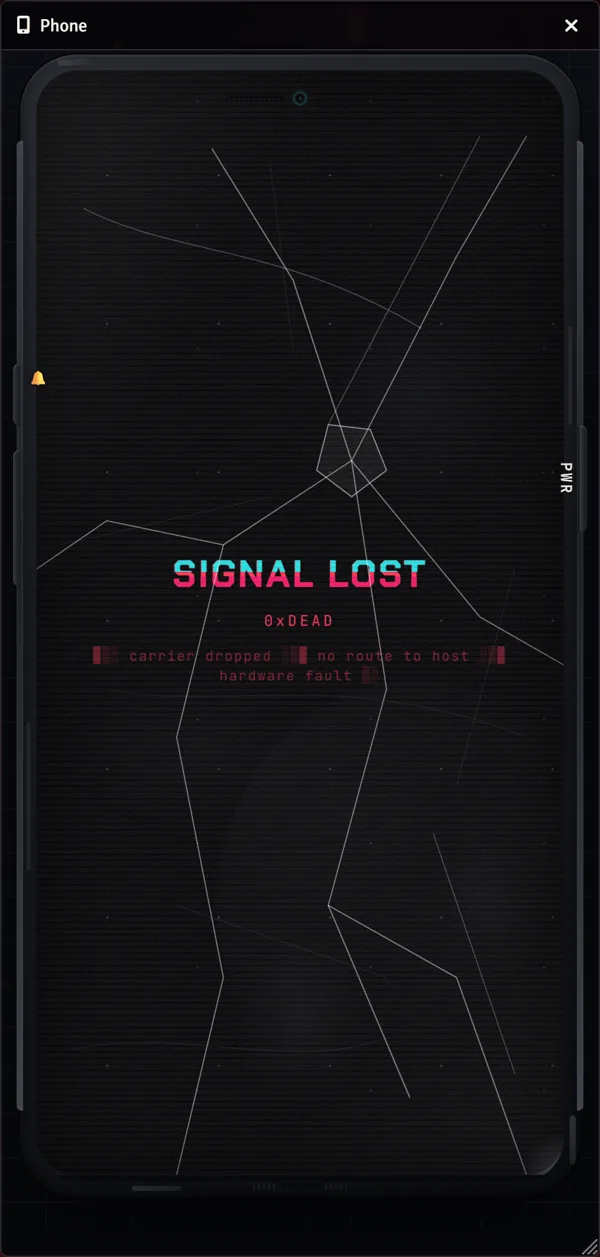
- Set each character’s handset to online, jammed or broken. A jammed or out-of-range phone holds messages and delivers them later, marked QUEUED.
- Make any scene a weak-signal or dead zone.
- Turn on an optional battery that drains only as the world clock moves. Mark battle map tiles or draw regions as charging stations, and name inventory items that recharge a phone.
- Optionally require a phone item in the character’s inventory before the handset works.
- Switch the table between a modern smartphone and a 1990s brick phone, and turn individual apps off.
- Pin a notice on every phone, or only on the characters you choose.
Apps
- Messages, Email, Contacts, Dialer and Recents, Notes, Photos, Files, Wallet, Calendar, Calculator, Dice and Weather.
- Notes can stay private, go to the GM, or be shared with the table.
- Dice rolls from the phone post to the chat log.
- The GM adds photos, handouts and files to a character’s phone, and a player can share a snapshot of their phone screen with the table.
Money
- The Wallet shows a character’s balance and pays other characters or NPCs, with a memo on every payment and a history. It moves the same currency your game system already tracks, from one character sheet to another. It needs a currency preset in the Library (D&D 5e is included), and it has no shops or vendors.
Time and weather
- The home screen shows the in-game clock, date and weather. You set them by hand; there is no live forecast.
- A month-view calendar shows story events you add.
With ShawnsVTTs Handouts
ShawnsVTTs Phone works alone. Add ShawnsVTTs Handouts to the same world and the phone gains a few things it cannot do by itself. A letter, manifest or scan you send from Handouts arrives in a character’s Files app, with an OPEN HANDOUT button that shows it. A contact’s page shows a BUSINESS CARD button when that contact has a card, so a player can throw it onto the table. A card thrown to a player has a Save to my contacts button, which puts the NPC in their phone. Read what you get with both.
See it in our Cyberpunk VTT
The same phone is built into our free Cyberpunk VTT, a browser tabletop for Cyberpunk-themed games. There the GM can reach a character in the middle of a firefight without leaving the fiction, and players can hand over business cards. If you want to see the phone in play before you set it up in Foundry, you can try it there. Business cards in Foundry come from ShawnsVTTs Handouts, which spins them onto the table and prints a character’s number from the phone. [See how the two work together](/foundry/docs/together-overview).
Try the Cyberpunk VTT →Technical specifications
- Foundry VTT 13 and 14 (tested on 13.351 and 14.368).
- Any game system. The phone does not read rules data.
- Requires the free ShawnsVTTs Library.
- Messages, notes and settings are stored in your world. Files the GM uploads go in a shawnsvtts-phone-uploads folder in your Data folder.
- The module and the Library make no network requests, and the fonts are bundled.
- English.
Resources
- Documentation for every app and every GM control.
- Install guide, step by step.
- Compatibility, including the Foundry builds we tested on.
- Troubleshooting for the usual problems.
- How this is built, and where AI is used
- Support and bug reports on Patreon.
Get the phone
Join, then sign in at shawnsvtts.com, open My Games and press Get my Foundry key to create your install link. The install guide takes it from there.
Foundry Virtual Tabletop belongs to Foundry Gaming LLC. ShawnsVTTs modules are independent add-ons and are not made, endorsed or supported by Foundry Gaming LLC.